Why AI is suddenly showing up in smart glasses
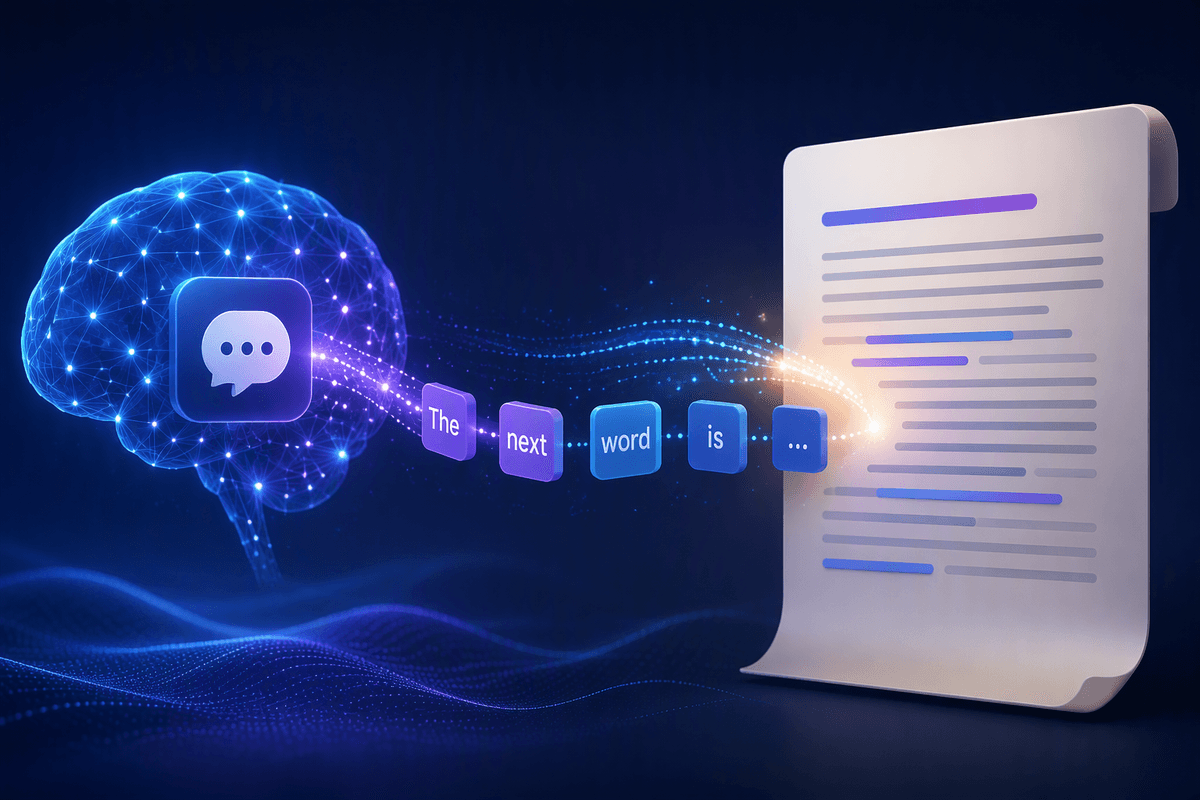
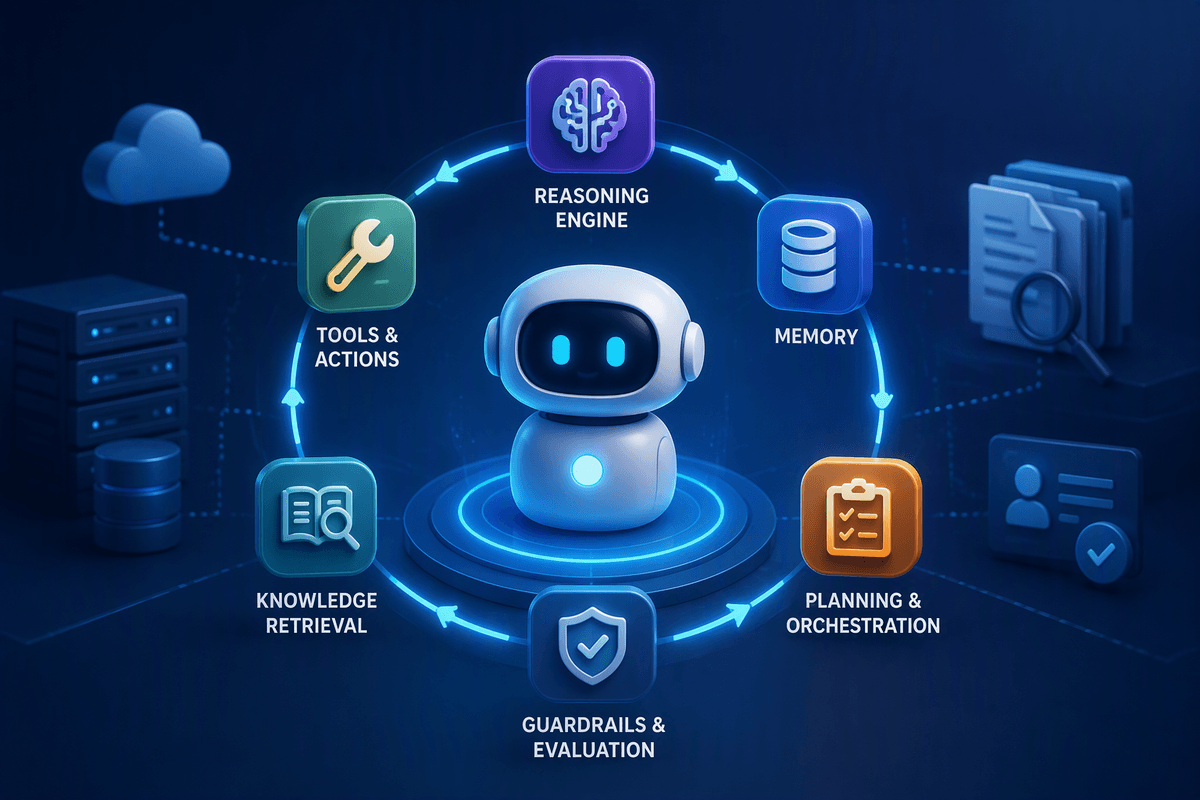
Smart glasses are getting “AI” now because the pieces finally line up: phone-class processors can handle voice and vision quickly, microphones are better at pulling your words out of street noise, and cloud models can answer in seconds when the glasses themselves can’t. Companies also learned that a tiny display isn’t the point for most buyers—hands-free input is. If the glasses can hear a question, see what you’re looking at, and respond without you taking out your phone, that feels like a new category.
The shift is also commercial. Glasses are a convenient place to anchor an ecosystem: your messages, maps, camera roll, and assistant all in one workflow. But it’s still a compromise product. Adding always-ready mics, cameras, and wireless connections increases power draw, pushes heat into a small frame, and raises the cost fast—so “AI glasses” often arrive with tight battery limits and features that depend heavily on your phone or the cloud.
What these new AI features actually do day to day
You notice the value when your hands are busy. You say “take a photo” and the glasses capture what you’re already looking at, then auto-pick the best frame or stitch a short highlight without much editing. You ask “what is this?” at a menu, a sign, or a product label, and get a quick summary, price check, or translation that’s good enough to keep moving. For commuting, the practical win is turn-by-turn prompts you can hear (and sometimes glance at), plus “read my last message” and “reply” without touching your phone.
The day-to-day reality is uneven. Vision answers can fail in low light or with glare, names and numbers get misread, and live translation may lag or flatten nuance. Many “AI” tricks still require a connected phone and a solid data signal, which adds delay and can quietly limit features when you’re on a subway, traveling, or trying to save battery.
Where the AI runs: on-device, phone, or cloud
Advertisement
A quick way to judge any “AI glasses” claim is to ask where the work happens. On-device means the frames (or a small co-processor inside them) handle tasks like wake-word detection, basic voice commands, and sometimes simple captioning. That can feel snappy and can keep some data local, but the models are smaller, features are narrower, and battery drain is real because the glasses can’t hide a big battery.
Phone-tethered AI shifts the heavy lifting to your smartphone over Bluetooth or Wi‑Fi. This is why many glasses feel fine at home but degrade when your phone is in a backpack, in low-power mode, or juggling other apps. Cloud AI is where the “wow” demos usually live—richer language help, better vision answers, faster improvements over time—but it adds latency, needs a reliable connection, and raises harder questions about what audio/video gets uploaded and stored.
The real trade-offs: battery, heat, fit, and latency
It usually clicks the first day you wear them for a few hours: the “AI” part is less limited by cleverness than by physics. Always-listening mics, frequent Bluetooth/Wi‑Fi chatter, and any kind of camera-on analysis chew through small batteries fast. Some pairs cope by turning features off aggressively, others push more work to your phone or the cloud, and either way you end up managing modes—especially if you also want music, calls, or navigation.
Heat is the hidden tax. When the frames are doing more local processing (or staying in a high-power radio state), warm temples and throttling can show up, which then slows responses. Fit becomes part of performance: a slightly wrong nose bridge can shift microphones away from your mouth, and loose arms can make the touch controls and speakers feel inconsistent. Latency is the trade you feel most: on-device is quick but simpler, cloud is smarter but can pause long enough to break the “hands-free” spell.
Advertisement
Privacy and social comfort when cameras and mics are always there
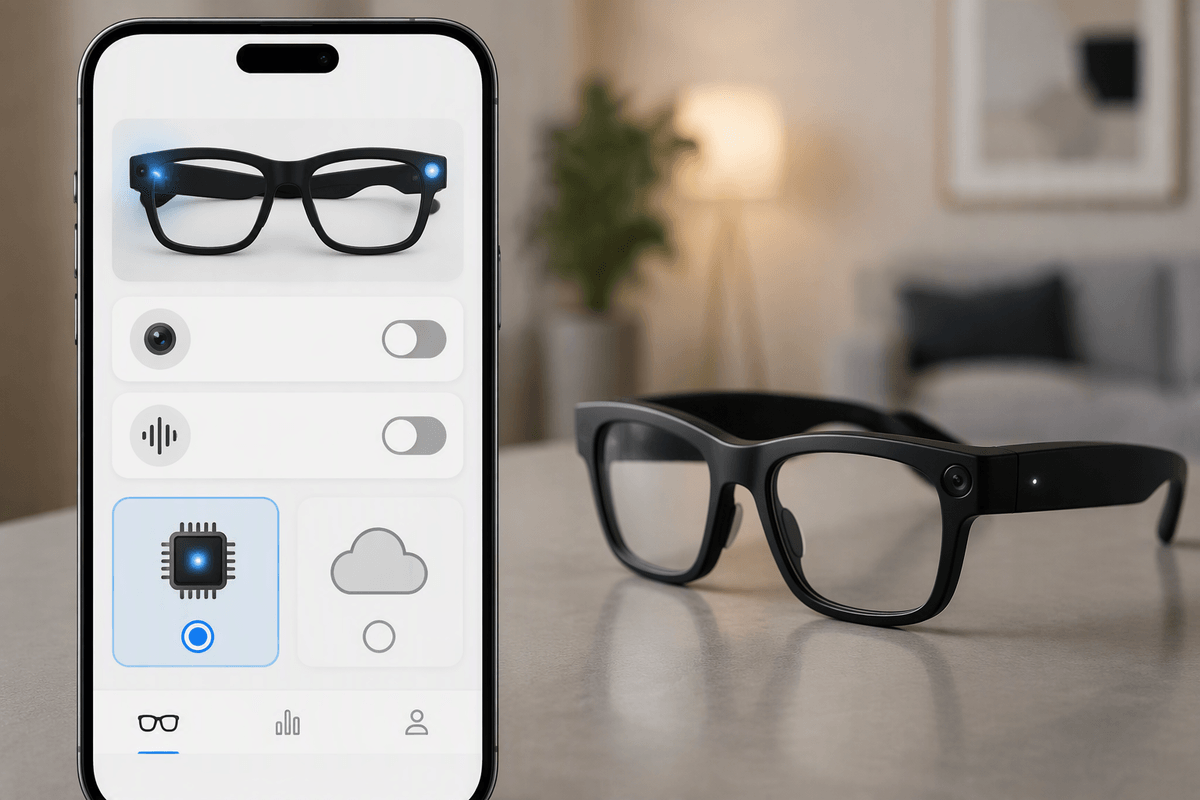
The awkward moment isn’t when the glasses work—it’s when other people notice them. A camera and a beamforming mic sitting at eye level changes the social baseline, even if you rarely record. In practice, you’ll want a pair with obvious capture signals (bright LED, audible shutter) because subtle indicators don’t help bystanders. Also check whether the app lets you disable the camera or voice trigger quickly, and whether “always listening” is truly on-device wake-word detection or continuous cloud streaming. Those details determine whether a misfire becomes a private annoyance or a data problem.
There are practical costs to “privacy-first” behavior. Turning off hotword detection makes glasses less hands-free. Keeping capture lights enabled can draw a little more power. Some models store clips in a companion app that quietly auto-uploads to a cloud account, which is convenient until you’re sharing a family tablet login or traveling on public Wi‑Fi. If you wouldn’t be comfortable using them in a meeting or at a dinner table, the tech is ahead of the etiquette.
Choosing the right pair: priorities by user type
Advertisement
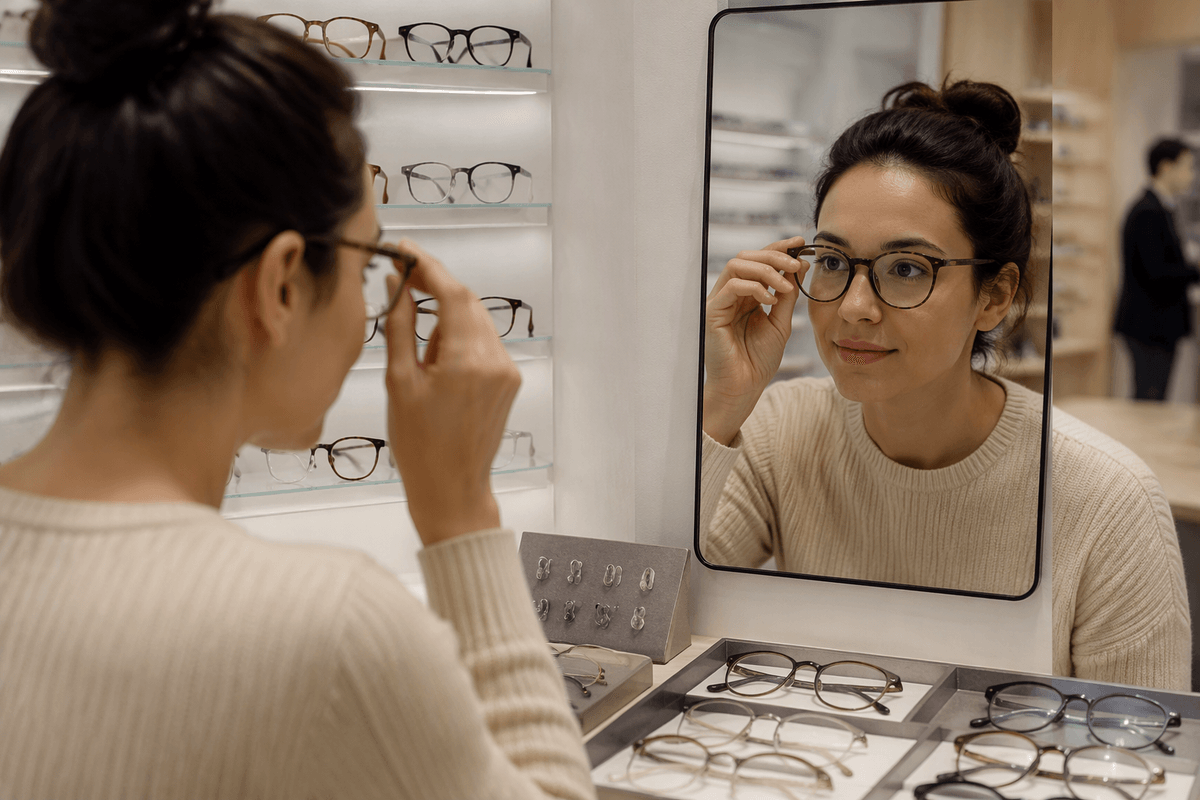
You can usually tell what to buy by noticing what makes you reach for your phone today. If you mainly want quick capture and calls, prioritize comfort, microphone quality, and simple, reliable controls over “big” AI promises; the best pair is the one you’ll wear for three hours without pressure points, with an obvious record light you won’t be tempted to disable. If you’re chasing real-time help—translation, “what am I looking at,” meeting notes—prioritize the assistant’s consistency and the connectivity model: phone-tethered can be fine in cities but fragile on planes, subways, or low-power phone days.
Commuters should value audio clarity, wind handling, and navigation prompts that don’t require staring at a tiny display. Travelers should look for offline fallbacks (even limited ones) and fast ways to mute/disable capture in sensitive places. Early adopters who like experimenting should be honest about ecosystem lock-in: the “best” AI features often live behind one phone OS, one account, and one cloud subscription. Budget for that ongoing cost, plus the reality that battery life will drop when you actually use the headline features.
What to watch over the next year before you upgrade
You’ll feel the upgrade pressure when new models promise “all‑day AI,” but the meaningful changes to watch are more boring: battery capacity that holds up after a year, frames that stay cool during long voice sessions, and microphones that don’t fall apart in wind. Pay attention to whether features migrate from cloud to on-device (faster, more private) without cutting accuracy, and whether the phone-tether gets tighter or looser—some updates quietly increase background syncing and hurt real-world endurance.
Also track policy and product moves, not just hardware. If a company adds a subscription for core features, changes retention defaults, or restricts third-party apps, your “great deal” can age poorly. A practical constraint: comfort options lag innovation—if your fit is borderline today, waiting for more sizes, better nose pads, or lighter frames can matter more than a smarter model.
A practical way to test AI smart glasses before committing
Try them like you’d use them: a two-hour errand loop with music, a few calls, and at least five “AI” requests in noisy and quiet spots. Note three numbers—time to first response, how often you have to repeat yourself, and battery drop per hour with your preferred features on. Test the “edge” moments: low light photo, windy street dictation, and a navigation prompt when your phone is in a pocket or bag. Before you buy, confirm return terms, whether core features need a subscription, and exactly where recordings and transcripts are stored by default.