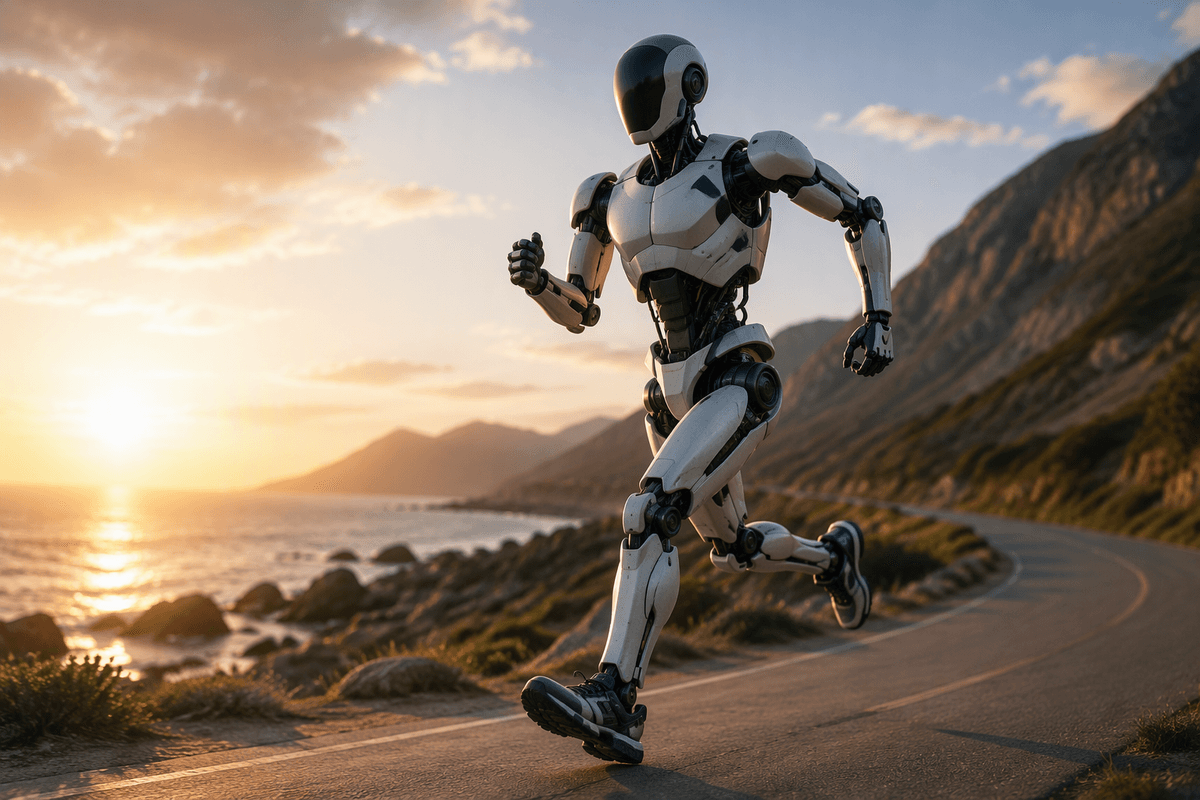
Why size keeps coming up in modern AI robots
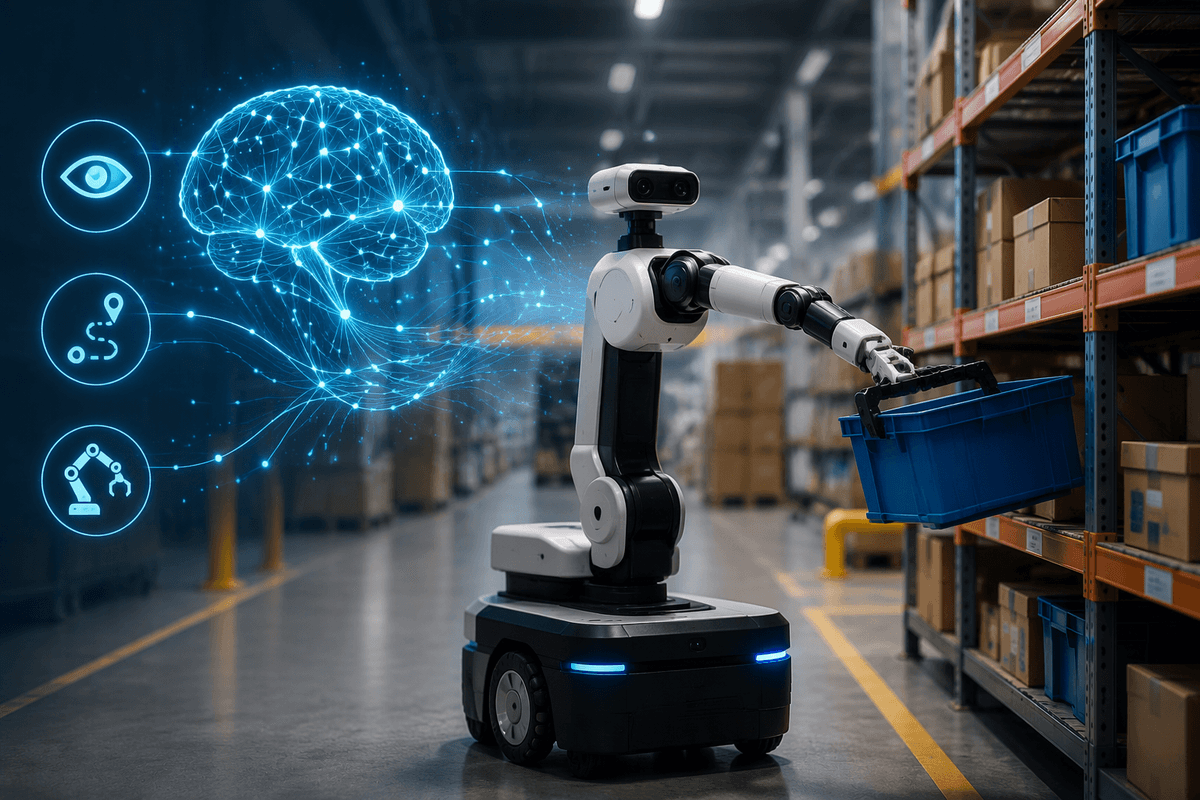
If you’ve watched recent robot demos, it’s easy to think the main unlock is software: better vision, better planning, better “brains.” Then you see two robots with similar AI behave very differently on the same job—one can lift a tote and reach a high shelf, the other can’t; one fits through tight aisles, the other blocks them. Size keeps coming up because it quietly sets the boundaries for almost everything that matters in deployment: how much force a robot can apply, how far it can reach, how long it can run, what it can sense reliably, and how safely it can share space with people.
Smarter models help a robot choose better actions, but they don’t repeal physics. More payload usually means larger motors and stronger structures, which adds weight, which demands bigger batteries, which changes stability and stopping distance. Shrink a robot and you often gain speed, cost, and safety—but lose manipulation options, thermal headroom, and endurance. The practical question isn’t “Is the AI good?” but “What size makes the desired actions feasible without creating new constraints you can’t afford?”
Small robots: cheap, safe, and limited by physics
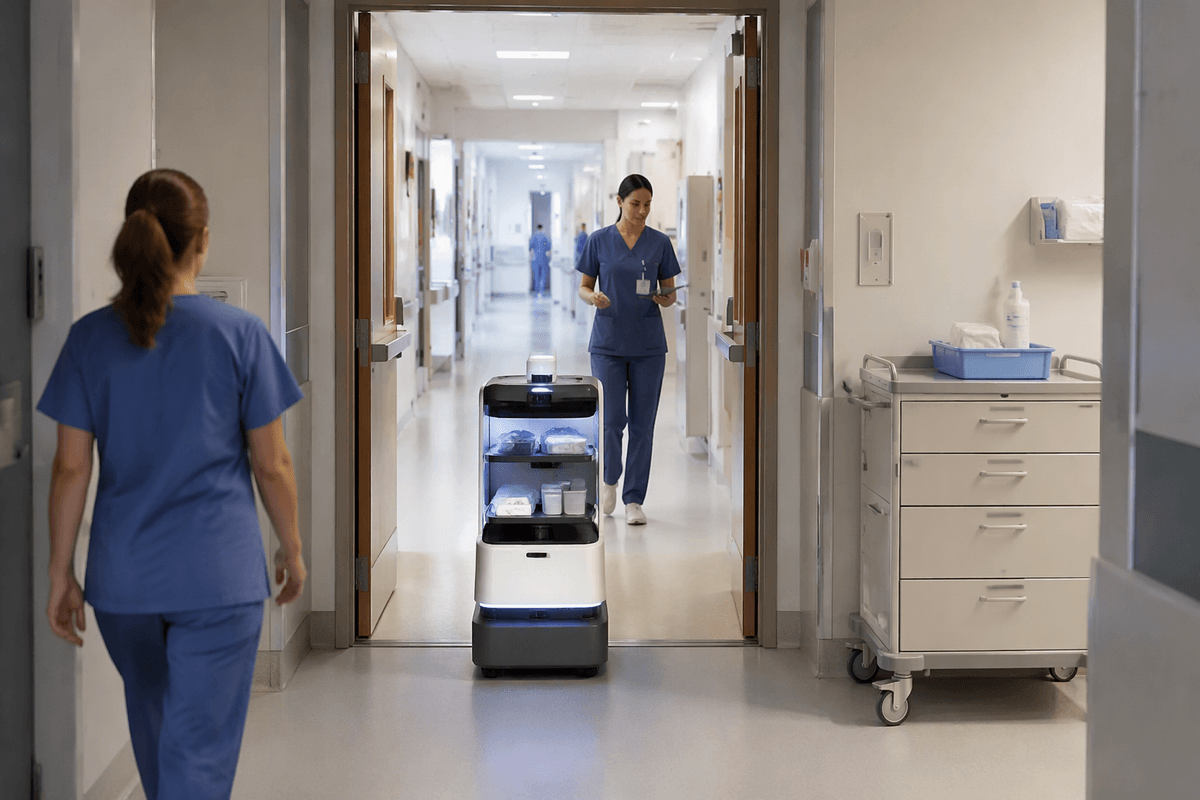
In a warehouse or a hospital hallway, the smallest robots tend to be the first ones that teams can actually live with. They’re easier to buy, easier to move out of the way, and easier to insure and approve because the worst-case collision is usually less severe. A compact base can also slip through narrow aisles and shared doorways without forcing a facility redesign. If you’re trying to prove value fast, that matters as much as autonomy.
Advertisement
The trade-off shows up the moment you ask for physical work. Small frames limit motor size, gearing, and structure stiffness, so payload and reach stay modest. They also have less room for batteries, which means shorter runtime or heavier packs that erase the “small” advantage. Even sensing gets harder: a lower camera height reduces visibility over carts and bins, and small grippers struggle with bulky, irregular items. You can compensate with better planning and fixtures, but that adds integration effort and cost.
Big robots: strength and reach, but harder to control
In the same warehouse, the appeal of a bigger robot is obvious the first time you need to pick a 25–40 lb case, hold it steady at arm’s length, or place it on a shelf that’s above shoulder height. Larger robots can carry bigger actuators, stiffer links, and wider bases, which translates into higher payload, longer reach, and less flex when the arm accelerates or the load shifts. They also tolerate more tooling—vacuum pumps, wrist cameras, force sensors—without becoming instantly power-starved.
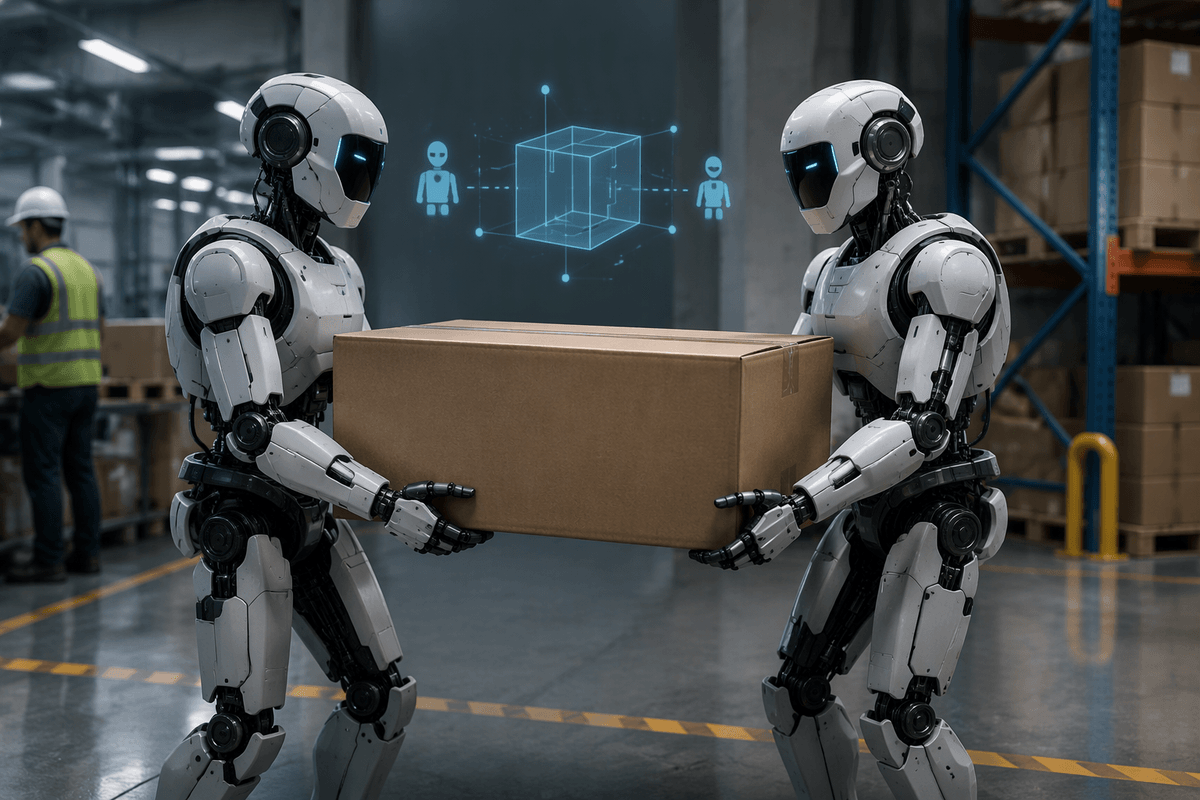
The cost is control, in the literal sense of stopping and staying stable. A heavier system builds momentum, so braking distances grow and “near misses” become real incidents. Long arms amplify small errors into big end-effector swings, and compliance or backlash that was tolerable at small scale turns into missed grasps or dropped items. You often end up paying for better sensing, tighter calibration, and more conservative speeds, plus stronger floors, wider lanes, and more robust safety zoning.
Advertisement
Compute, batteries, and heat: the hidden size trade-offs
A familiar deployment moment: the robot seems “smart” in short tests, then performance degrades after an hour on the floor. The limiting factor often isn’t the model quality, but how much compute you can run continuously, how much energy you can store, and where the waste heat goes. Bigger robots can carry larger batteries and higher-power computers, and they have more surface area and mass to soak and shed heat. That makes sustained perception, higher camera frame rates, and heavier on-board planning more practical without throttling.
Small robots face tighter packaging. A compute module that draws an extra 30–60 watts can materially shorten runtime, and fans, ducts, and heatsinks compete with batteries, sensors, and structure. You can offload inference to the cloud or a local server, but that adds Wi‑Fi dependence, latency, and operational risk. At the other extreme, big battery packs raise weight and stopping distance, and fast charging can demand electrical upgrades and creates its own thermal constraints.
Sensors and manipulation: when millimeters decide capability
Advertisement
Watch two robots attempt the same “simple” pick from a shelf: the difference often comes down to small geometric details, not intelligence. Camera height changes what’s occluded by totes and carts, and a few centimeters of extra baseline between stereo cameras can improve depth at longer reach. On the arm, a wrist camera that’s 10 mm off-axis may see the target, but the gripper still collides with a bin wall because the approach path is too tight. Bigger robots can mount more sensors with better viewpoints—overhead depth, side cameras, force/torque at the wrist—without immediately running out of space or power.
Manipulation is even less forgiving. A small gripper may only open wide enough for uniform cartons, while irregular items demand wider jaws, better compliance, or suction with enough airflow to handle leaks. Those add weight at the wrist, which drives up motor size and stiffness needs upstream. The flex, backlash, calibration drift, and sensor noise can each be “within spec,” but together they turn a 2 mm clearance into repeated failures—and the fixes often require new hardware, not a better model.
Safety, regulation, and where robots are allowed to work
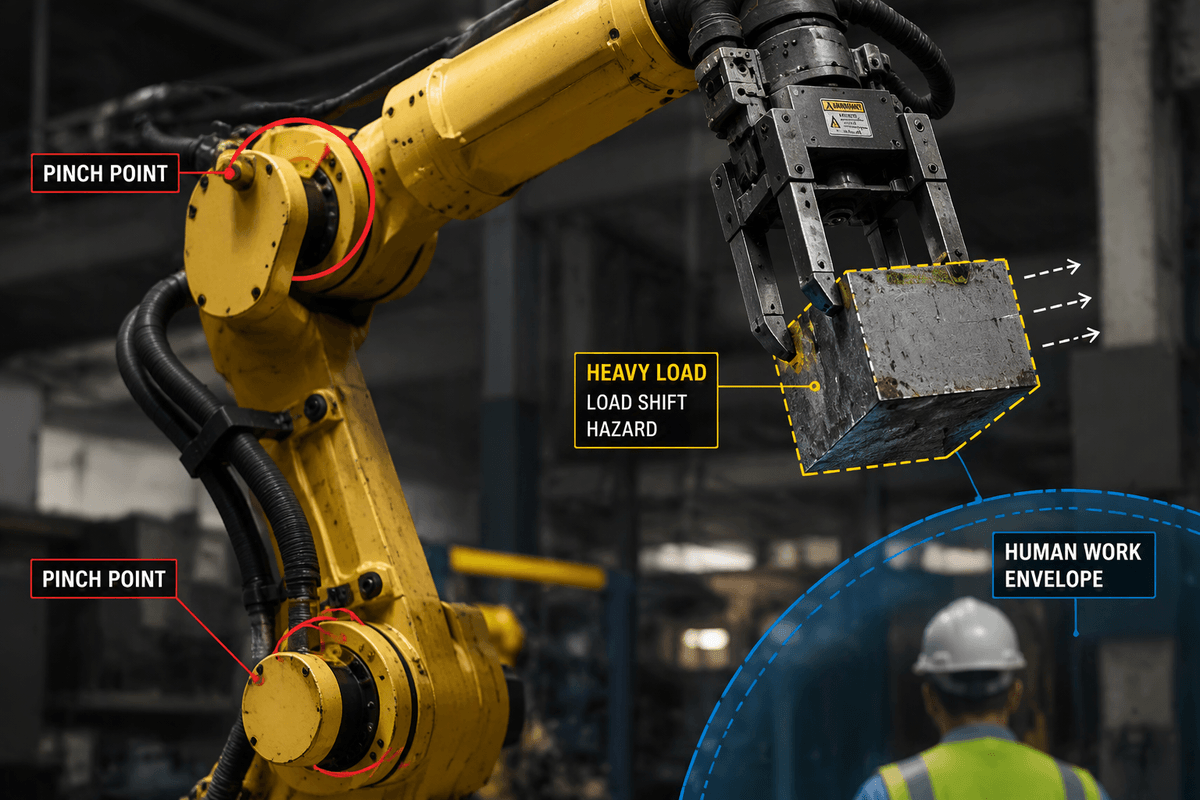
A common reality check is that safety rules care about mass and speed more than “how smart” the robot is. A small mobile robot can often operate in mixed human traffic with simpler risk controls because its worst-case impact energy is lower, while a larger platform may require reduced speeds, wider lanes, physical barriers, or clearly marked exclusion zones. As systems get taller and stronger, hazards multiply: pinch points at joints, reach into human work envelopes, and higher drop risk if a carried load shifts.
Regulation and standards rarely ban a size outright, but they shape where a robot is allowed to work and what approvals you’ll need. A compact unit might pass a site safety review with training and signage; a heavy manipulator may trigger more formal guarding, interlocks, stop-distance validation, and documentation. Those controls cost money and floor space, and they can erase the productivity gains that motivated “bigger” in the first place.
Choosing the right size: match tasks, not hype
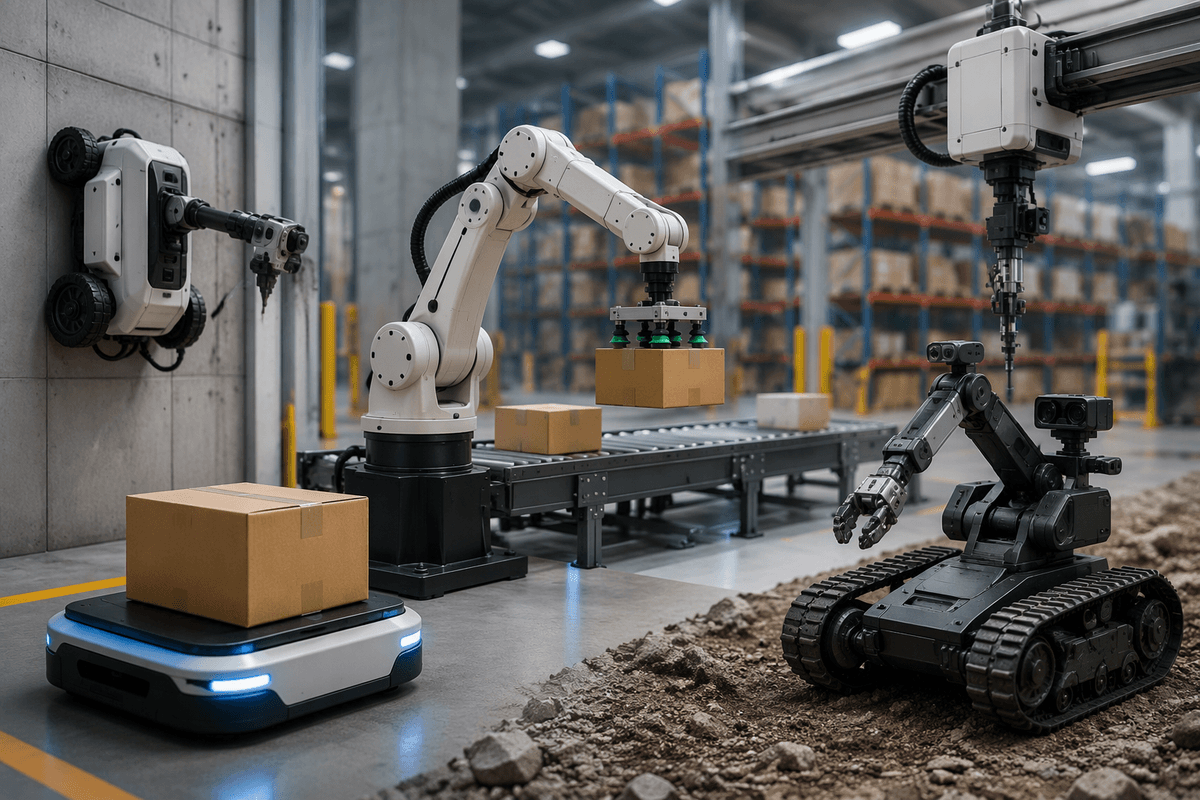
Picture the decision the way operators feel it on day one: what physical actions must happen, in what spaces, for how many hours, with what safety envelope. If the job is moving light items through tight aisles or patient corridors, smaller often wins because it fits, stops quickly, and is cheaper to deploy at scale—even if you need fixtures, standardized bins, or more units to hit throughput. If the job demands high reach, heavy cases, or tool-heavy manipulation, a larger platform can be the only realistic option, but expect slower speeds in shared areas and more safety infrastructure.
A useful rule is to size for the hardest 10% of moments, not the average. The “edge cases” are what drive uptime: a tall shelf, an awkward grab, a narrow turn with a cart nearby, a long shift without charging. Smarter AI can reduce retries and make setups more flexible, but it can’t create reach, torque, battery volume, or safe stopping distance. Start with task geometry and risk limits, then pick the smallest machine that meets them with margin—and budget for integration, because that’s where most deployments are won or lost.