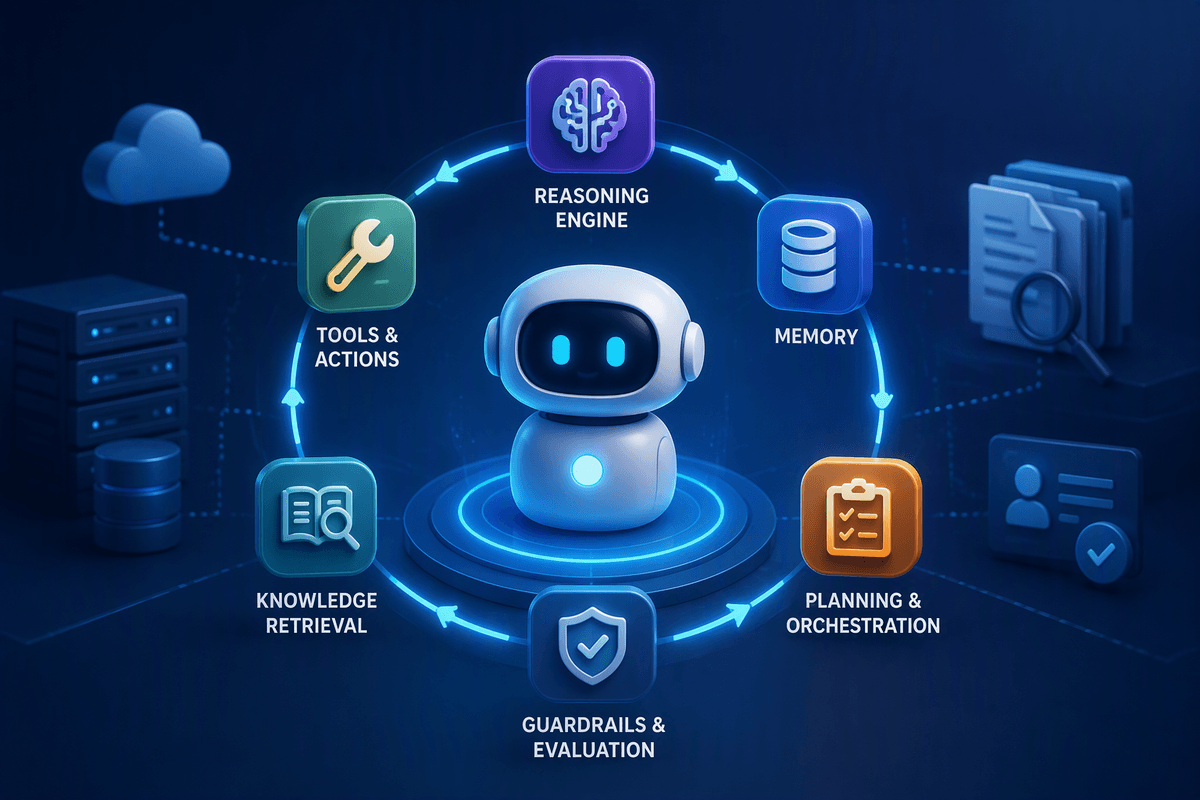
Why real-world tests matter more than AI benchmarks
A model can look “secure” on a benchmark and still fail the first week it touches your environment. Benchmarks usually measure tidy, repeatable tasks: classify this, answer that, follow a fixed policy. Real deployments involve messy logs, partial context, confusing user intent, and integrations that turn text into actions. Security failures also cluster in the long tail—rare edge cases, weird formatting, stale credentials, or a single mis-scoped permission—areas benchmarks often smooth over.
Real-world tests force the model to operate under the same constraints your attackers exploit: missing data, ambiguous prompts, rate limits, tool errors, and human workarounds. They also surface costs you feel immediately, like analyst time spent validating hallucinated indicators, or incident response delays caused by overconfident “all clear” answers. The goal isn’t a higher score; it’s fewer operational surprises when the system is stressed.
What these tests actually look like in practice
A practical test starts with a real workflow, not a synthetic question. Take an AI triage assistant for phishing: you feed it the same raw email, headers, and user report your analysts see, then watch whether it asks for missing artifacts, flags uncertainty, and produces a verdict that maps to your playbook. The harness should inject the boring realities too: truncated logs, rotated keys, delayed sandbox results, and tool timeouts. You score the run on outcomes like correct ticket routing, false “safe” calls, and time-to-decision—not just whether the model named the right tactic.
The most useful setups are replayable. Teams run incident “replays” from past cases, canary prompts seeded into queues, and red-team scripts that try to push unsafe actions through the same integrations production will use. Expect real costs: building fixtures, capturing ground truth, and instrumenting tool calls usually takes more effort than swapping models.
Advertisement
Where AI breaks first: noisy data and shifting context
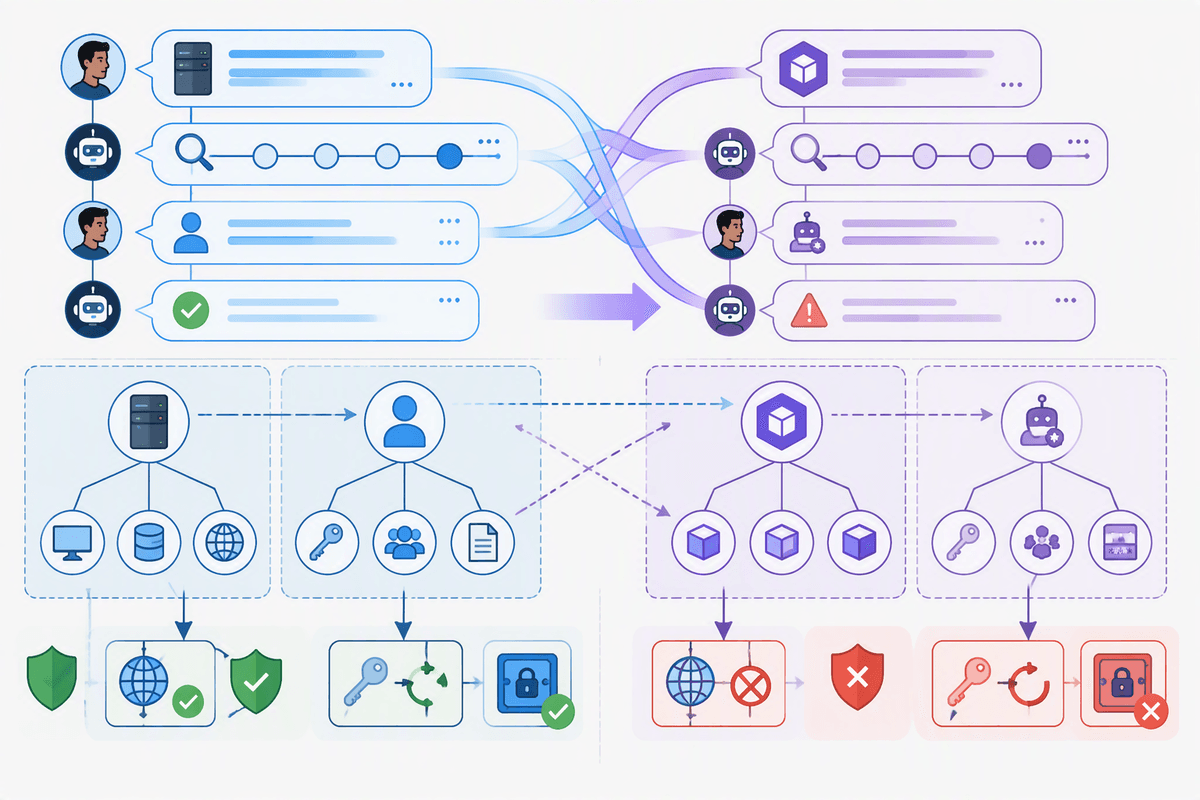
You can usually predict the first failures by looking at what your environment does to the input. Security data arrives incomplete, inconsistent, and out of order: a log line missing a field, an alert with a renamed rule, a host that changed its time source, a ticket where the “summary” contradicts the attachment. Models tend to smooth over these gaps, filling missing details with plausible defaults. In a triage flow, that shows up as confident attribution (“this is credential stuffing”) when the only evidence is a spike in 401s, or a clean bill of health when the model quietly ignored the one line that didn’t parse.
Shifting context is the other early break. Threaded investigations mix multiple entities, and humans change terms midstream (“server” becomes “pod,” “user” becomes “service account”). If the model latches onto the wrong referent, it can recommend the right action on the wrong target—blocking a benign IP, rotating the wrong key, or escalating the wrong incident. Fixing this costs effort: better context packaging, strict schemas, and UI nudges that force disambiguation before anything operational happens.
Advertisement
Adversaries adapt: prompt tricks, evasion, and poisoning
A security assistant that behaves under friendly inputs can shift fast when an adversary is allowed to shape the conversation. Prompt tricks aren’t just “ignore the rules” jailbreaks; they include burying instructions in log fields, HTML comments, or base64 blobs that the model helpfully “decodes,” then treats as higher-priority guidance. Evasion is often quieter: attackers rephrase indicators so detections fall below thresholds, or pad messages with benign context so the model’s summary downplays risk. When the model is used to draft tickets or user-facing explanations, that same framing can steer humans toward the wrong follow-up.
Poisoning shows up when you let untrusted text become training data, a retrieval source, or even a reusable “case note.” One convincing but false incident write-up can propagate into future answers if it lands in your knowledge base. The constraint is operational: strong guardrails mean more filtering, more provenance tracking, and more “I can’t verify that” responses—costs teams feel as added friction and longer time-to-decision.
Tool-use and autonomy: the gap between suggestions and actions
Advertisement
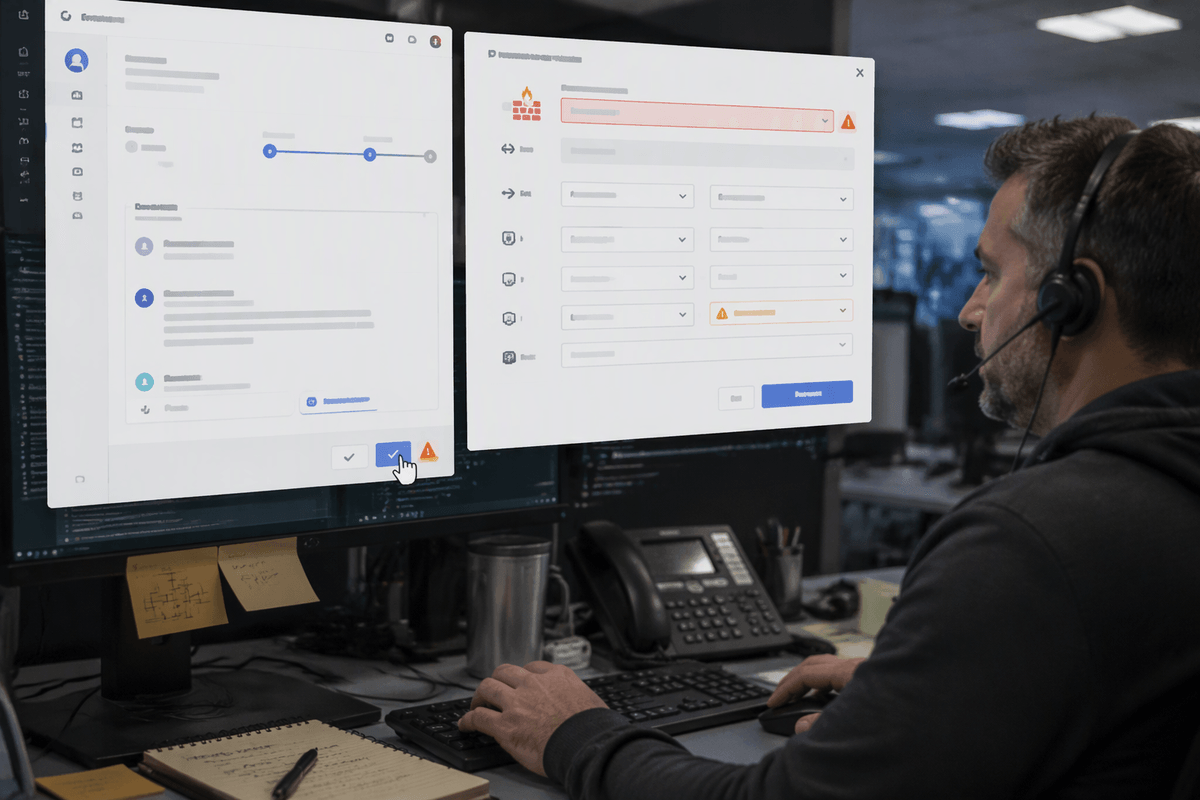
Most teams first notice the gap when they give a model “safe” access to tools and it still causes real work. A good suggestion like “isolate the host and reset the token” becomes risky when the model chooses the wrong host ID from a noisy ticket, retries a failed API call until rate limits trigger, or assumes a default tenant because the tool response was partial. Even without full autonomy, auto-filling a firewall change or a Jira field can harden an error into a workflow: people trust pre-populated fields, and approvals get rubber-stamped under load.
Real-world tests need to grade tool behavior, not just narrative quality. Watch for incorrect parameter selection, failure to ask for confirmation on destructive actions, and brittle handling of tool errors (403 vs. timeout vs. stale data). The practical constraint is speed: adding guardrails like typed schemas, least-privilege scopes, and human-in-the-loop checkpoints reduces blast radius, but it also adds latency and integration effort that teams must plan for.
Measuring usefulness: accuracy isn’t the outcome you need
A familiar failure pattern is a model that’s “accurate” in isolation but still unhelpful in the workflow. If it correctly identifies a technique yet routes the ticket to the wrong queue, you lose time. If it gives a right answer with no cited artifact, analysts still have to re-collect evidence. If it’s correct 90% of the time but overconfident on the 10% that matter, it can increase risk even as your dashboard looks good.
Measure what changes operations: time-to-triage, number of back-and-forth questions, rate of unsafe recommendations caught by reviewers, and how often it escalates appropriately when inputs are incomplete. Track “cost of validation” explicitly—minutes spent checking sources, reproducing queries, or undoing tool actions. Also separate errors by impact: a mislabeled malware family is annoying; a wrong containment target or a false “no incident” call is expensive. These metrics force you to design for reliable handoffs, not just correct sentences.
How to deploy AI safely without slowing the team down
Picture an analyst on a busy shift: they need the AI to remove busywork, not introduce a new review queue. The practical approach is to start with “draft and justify,” not “act.” Let the model propose a ticket route, query, or containment plan, but require it to attach the exact artifacts used (log lines, tool outputs, case IDs) and surface confidence and gaps. Put hard constraints where mistakes are expensive: typed inputs for tool calls, allowlists for targets, and explicit confirmations for destructive steps.
Keep throughput by scoping controls to risk. Low-impact tasks (summaries, deduping alerts) can be near-real-time; high-impact steps (blocking, isolation, credential resets) should be gated, sampled, and audited. Invest in fast feedback: capture overrides, measure rework minutes, and replay failures in CI so fixes don’t depend on the next incident.