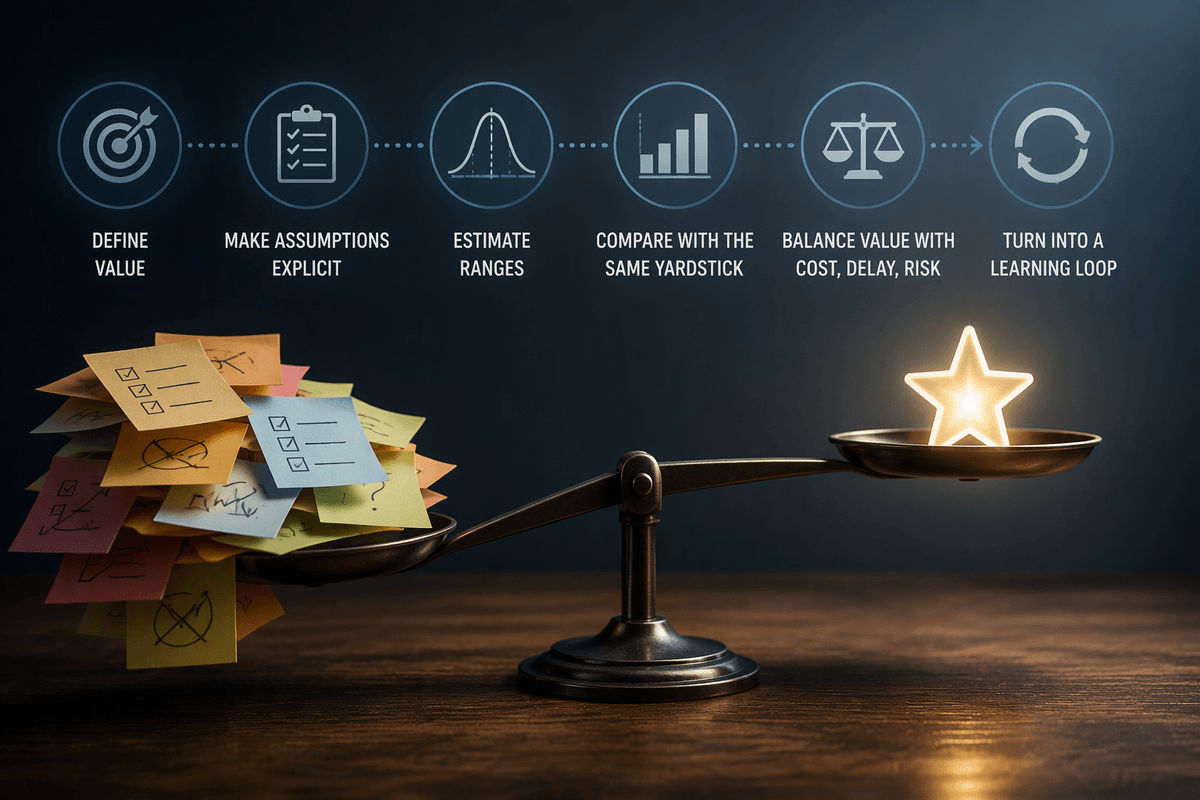
Manual work is shrinking, but not disappearing
You can feel the squeeze in ordinary workdays: fewer “do the thing” steps, more “make sure the thing happened correctly.” In finance, reconciliations that used to take hours are now mostly a button-click and a report; in HR, screening and scheduling are increasingly pre-filled; in support, drafts and summaries appear before you start typing. The manual part is shrinking because tools can execute repeatable steps fast and consistently.
But it isn’t disappearing because real work isn’t perfectly repeatable. Data arrives messy, policies conflict, and customers ask for outcomes, not process. Someone still has to decide when a tool is wrong, when an exception is legitimate, and what risk is acceptable. The trade-off is that you spend less time producing outputs and more time protecting quality, compliance, and trust—often with tighter deadlines and less tolerance for “close enough.”
Spotting tasks that are quietly being automated first
A good clue is when a task can be expressed as “take these inputs, apply the same rules, produce the same format.” Those steps get quietly absorbed by tools long before a job title changes. Watch for work that already lives inside a system: copying data between spreadsheets and forms, routing requests, generating standard letters, building weekly status packs, or tagging and sorting tickets. If you’re doing it the same way every time—and the “right answer” is mostly about matching a template—it’s a strong automation candidate.
Another clue is when your judgment is only needed at the edges. If 80% of invoices match cleanly and 20% need investigation, the clean 80% will be auto-cleared first. The automation usually needs cleaner inputs and clearer definitions than humans do. Teams often pay the cost up front by tightening data entry, standardizing categories, and writing decision rules—work that can feel like extra burden until it removes daily rework.
What humans still do best when tools get smarter
Advertisement
You may notice that the parts of your day that feel most “human” are the ones that don’t reduce neatly to a rule: deciding what matters when priorities collide, and explaining a decision in a way other people can accept. A tool can draft a response to a customer dispute, but it can’t own the trade-off between refunding quickly to preserve goodwill and holding the line to prevent repeat abuse. It can suggest a hiring shortlist, but it can’t justify the decision when a manager challenges fairness, or when a candidate’s context matters more than a keyword match.
Humans also stay better at stitching across systems and stakeholders—spotting when two “correct” outputs don’t agree, or when a process is technically compliant but practically risky. This work has real constraints: it takes time, it requires domain knowledge, and it creates decision fatigue. The value is that it prevents small automated errors from turning into repeated, scaled mistakes.
The new manual work: exceptions, oversight, and fixing edge cases
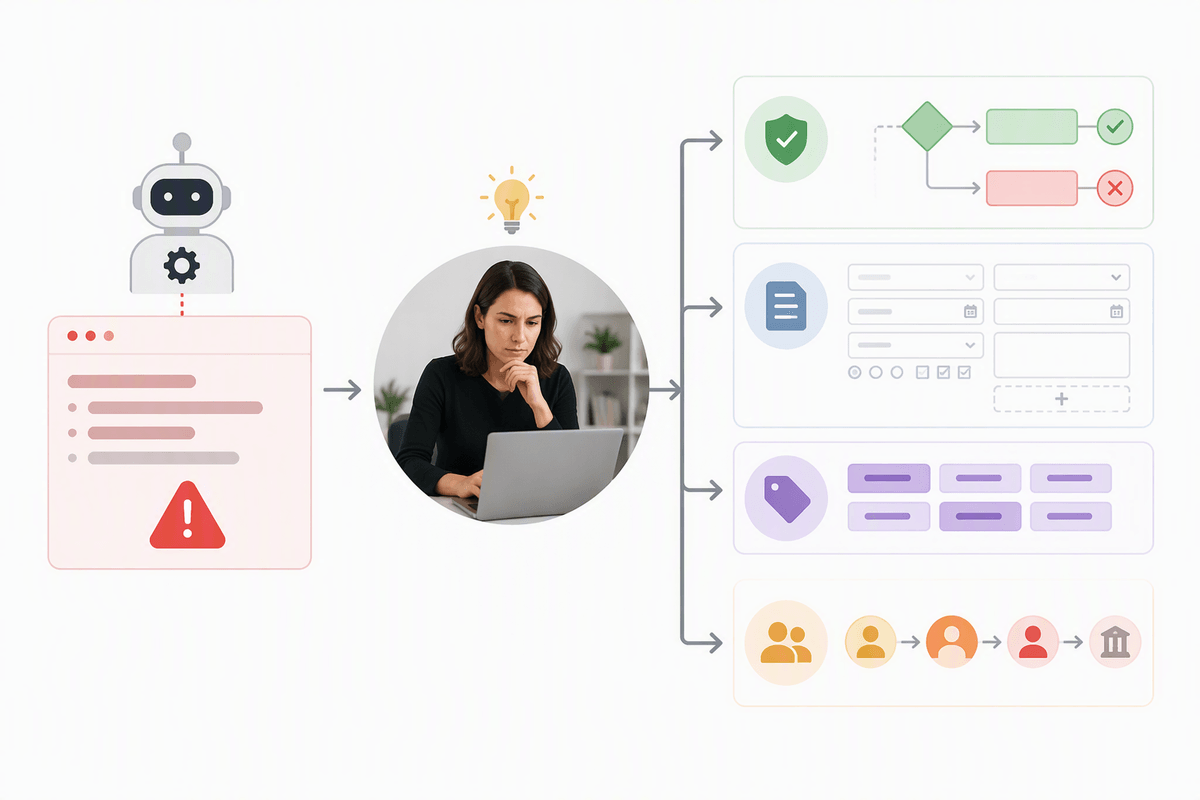
When execution gets automated, the “manual” work often becomes the part you can’t standardize: the exceptions queue, the quality checks, and the fixes that keep the process trustworthy. Think of a support inbox where drafts handle routine refunds, but a small set of tickets involve partial deliveries, policy mismatches, or a customer with a complex history. Or a finance workflow where most transactions reconcile automatically, but a few come in with missing references, unusual timing, or conflicting master data and need someone to trace the story across systems.
Advertisement
Oversight is not passive. Someone has to set thresholds, review samples, and decide when an error is acceptable noise versus a sign the model, rule, or data feed has drifted. Edge-case work also includes translating “the tool did something weird” into a concrete change request: a new validation rule, a clearer intake form, updated categories, or a documented escalation path. This work is interrupt-driven and harder to batch, so teams need capacity and clear ownership or it becomes invisible overtime.
Deciding what to automate without breaking quality or trust
A familiar failure mode is automating the part that looks easiest—then discovering you automated away the checks that made the result credible. A safer approach is to treat every automation candidate as a mini product decision: what promise are you making to coworkers, auditors, or customers, and what would count as a “bad outcome”? In HR that might be a qualified candidate never getting reviewed; in finance it might be an incorrect payment that is hard to unwind; in support it might be a confident but wrong policy answer that triggers chargebacks or complaints.
Start with low-risk, high-volume steps where reversibility is high: formatting, routing, simple classifications, first-draft summaries, and pre-filling fields. Put guardrails where harm is asymmetric. If a mistake is expensive, reputation-damaging, or legally sensitive, keep a human approval step, or use sampling with clear thresholds and escalation paths. Expect friction costs: you’ll spend time defining acceptance criteria, building monitoring, and dealing with appeals (“the system said no”), but that work is what keeps speed from turning into quiet error at scale.
How roles and skills shift when execution gets automated
Advertisement

A common shift is that your job title stays the same while your value moves “upstream” and “downstream.” Upstream, you spend more time shaping inputs: tightening request forms, defining categories, writing decision rules, and making sure data is complete enough for automation to behave. Downstream, you spend more time validating outputs: reviewing samples, handling escalations, and deciding when a pattern of small errors signals a real problem.
Skills tilt away from speed-of-execution and toward process ownership. Useful strengths become: diagnosing why something failed (data, rule, policy, edge case), making risk-based calls under time pressure, and coordinating changes across teams when the fix lives outside your system. You’ll also need sharper documentation habits, because “why did we approve this?” becomes harder to answer when the first pass was automated.
This work can feel less satisfying day to day. You’ll see more interruptions, more ambiguity, and fewer “finished” tasks, so roles often need clearer on-call rotations, escalation paths, and time reserved for improvement work.
Making automation a net win: practical next steps
You’ll get better results by treating automation as workflow redesign, not tool adoption. Pick one process with clear volume, a defined “good outcome,” and a visible exceptions queue. Map the steps, then automate only the parts that are repeatable and reversible, keeping a named human owner for approvals, thresholds, and escalations. Add lightweight monitoring: weekly sample checks, a short list of failure types, and a place to log fixes so the same issue doesn’t recur.
Protect time for the new work. Reserve capacity for edge cases, policy calls, and improvement requests, or the team will hit speed targets while quality quietly drifts. Build skills that travel: writing clear rules, diagnosing data problems, and explaining decisions to auditors, customers, and leaders. When you can show error rates, turnaround time, and the cost of exceptions, you can argue for guardrails without sounding “anti-automation.”