Why retailers are considering humanoid robots right now
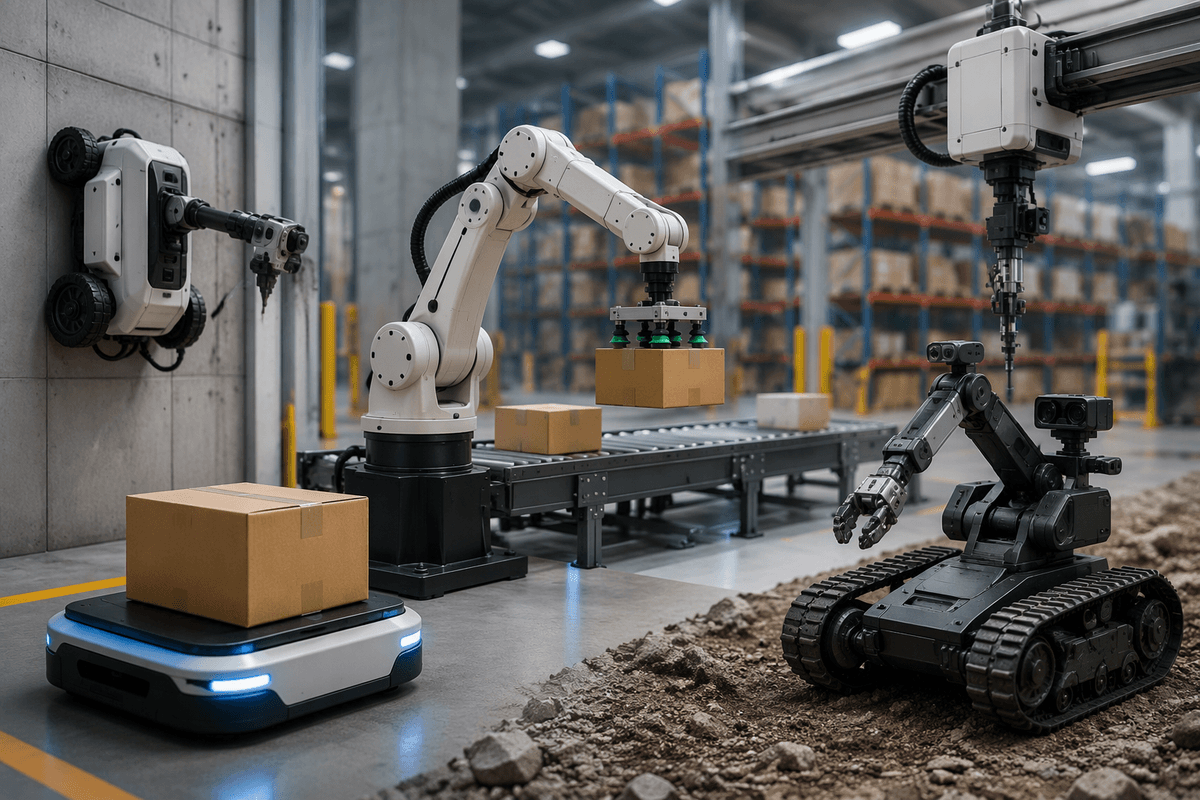
A store can feel fully staffed on paper and still run short in practice: callouts, high turnover, and constant task switching leave shelves unworked and customers waiting. Retailers are looking at humanoid robots now because they promise a “swing worker” that can move through human-built spaces and handle varied, low-skill tasks without remodeling the building. At the same time, better cameras, on-device compute, and faster deployment cycles have lowered the barrier to experimenting. The push isn’t just labor replacement; it’s reliability and consistency during peak hours.
The reality check is that “humanoid” doesn’t mean “hands-off.” These systems still need supervision, clear operating zones, and procedures for edge cases like spills, crowded aisles, or a customer stepping into the work area. Many retailers are considering them anyway because a pilot can be scoped to one store and one shift, letting leaders test whether improved task coverage and fewer missed routines outweigh the operational complexity.
Which store tasks fit robots—and which don’t
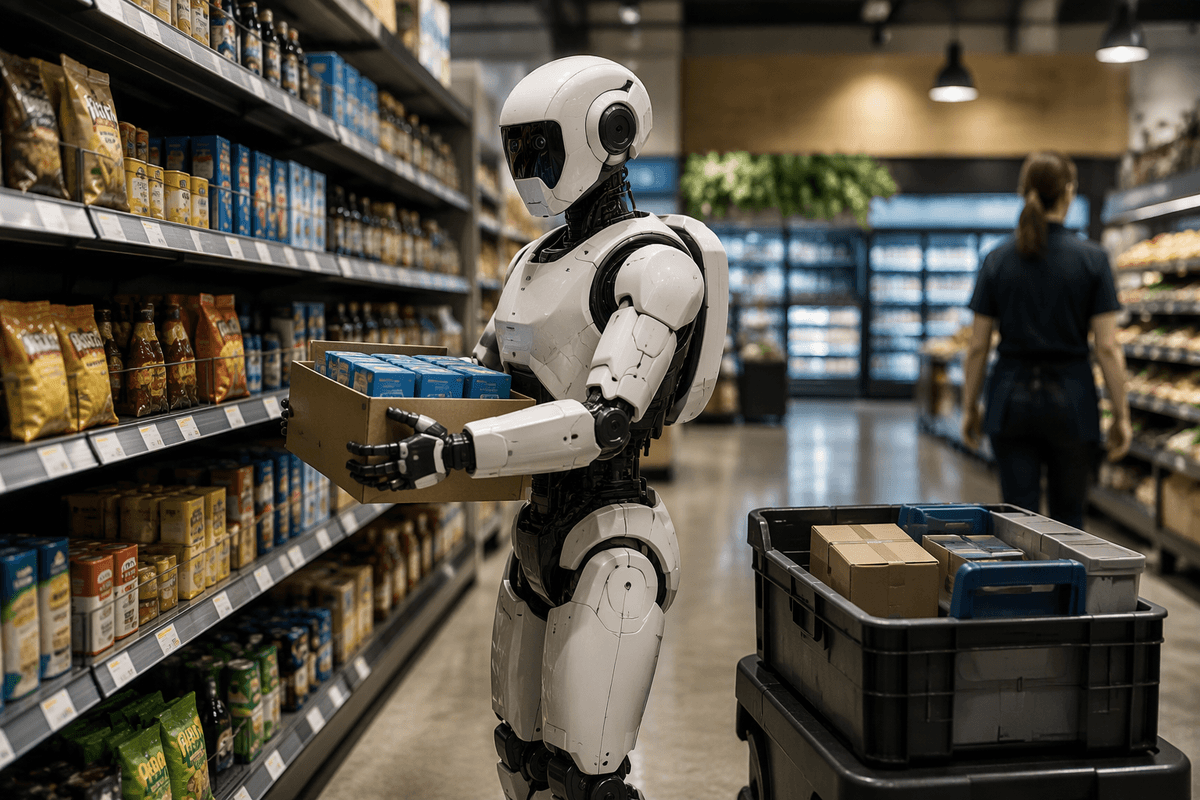
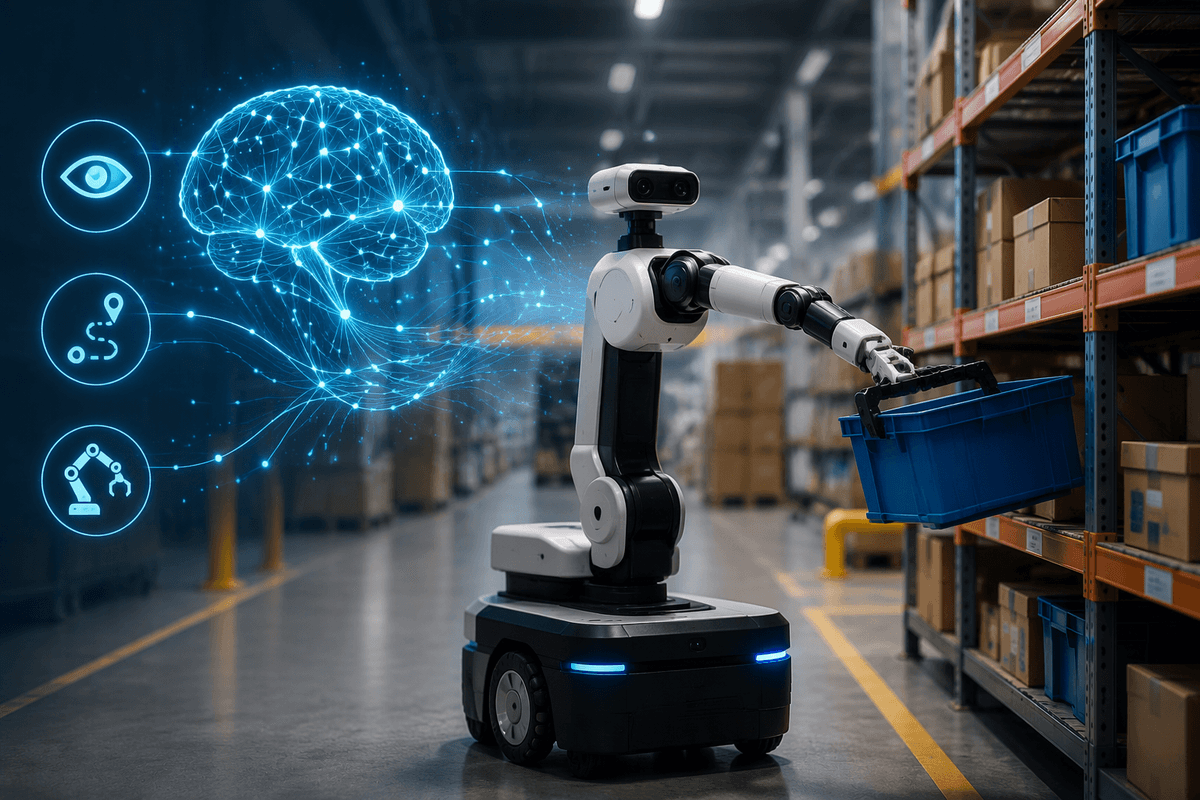
In a typical store, the biggest wins come from tasks that are repetitive, time-boxed, and easy to verify: walking a fixed route to scan shelf gaps, facing shelves to a simple standard, moving light cases from back room to a staging area, or doing “runner” trips for online pickup orders when the pick list is clear and locations are accurate. These jobs benefit from consistency more than judgment, and they can be measured by completion rate and error rate.
Advertisement
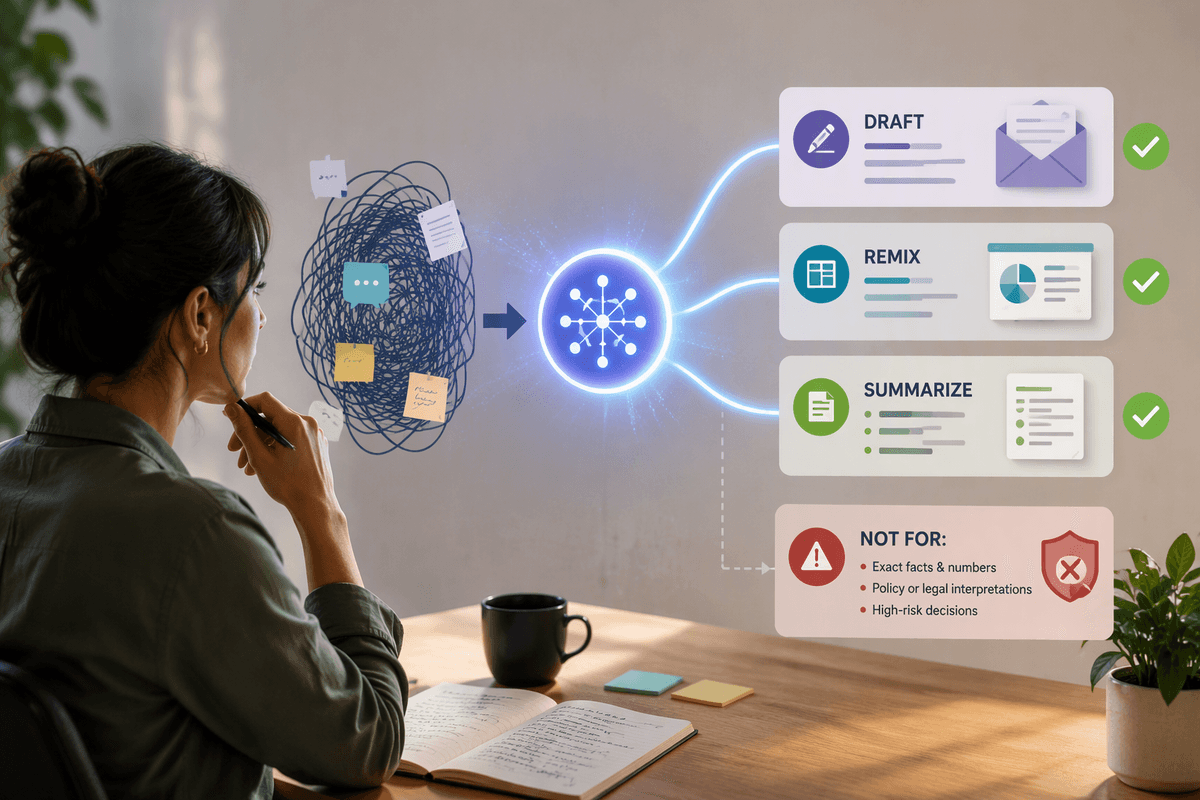
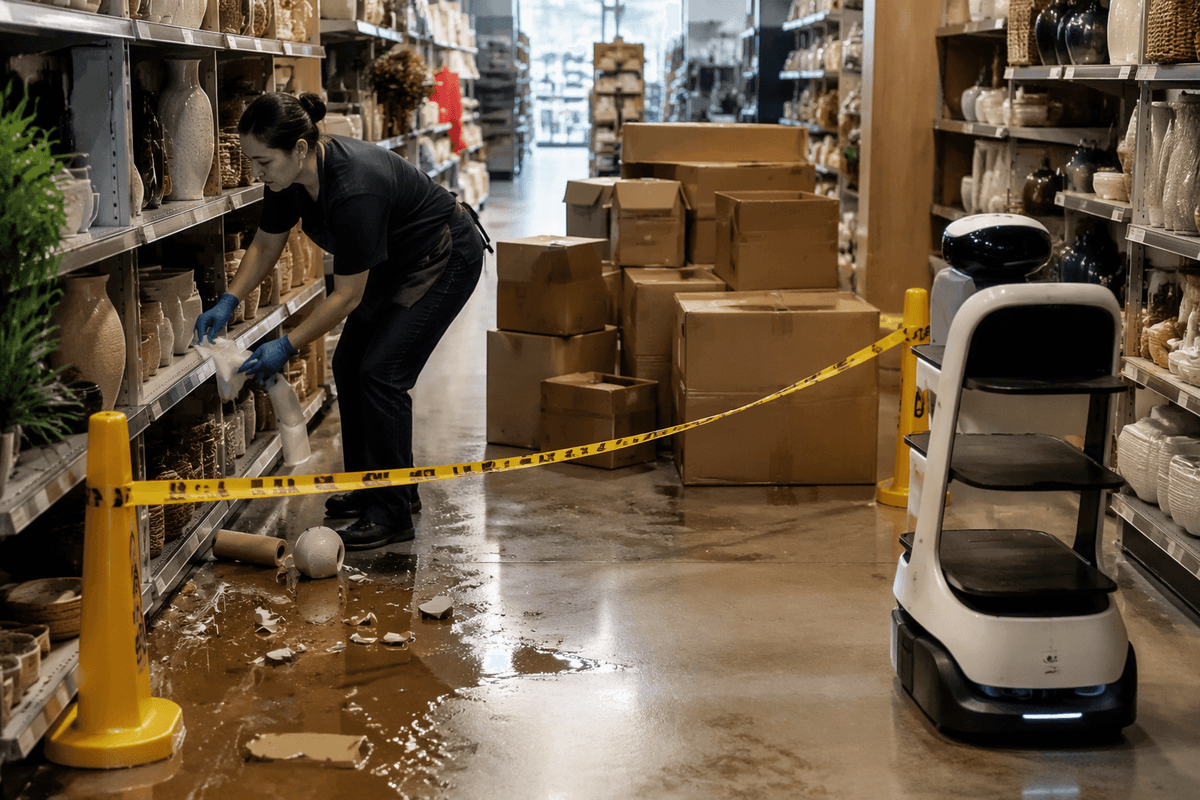
Robots struggle when the work depends on nuance, speed in tight crowds, or improvisation: resolving price disputes, spotting subtle damage or freshness issues, handling fragile or mixed-shape items, and anything involving ladders, sharp tools, or spill cleanup in a busy aisle. Even “simple” work often breaks down because item locations are wrong, boxes are heavier than expected, or aisles are blocked—turning a routine run into an exception that still needs a person.
Customer experience: novelty boost or trust problem
A customer seeing a humanoid robot on the floor will usually react in one of two ways: they treat it like a curiosity, or they treat it like a hazard. The novelty can be useful in the first weeks—people stop, watch, and sometimes ask employees questions that open a conversation. That can lift brand perception if the robot is calm, predictable, and clearly “working” on something understandable like a stock run or a simple shelf scan. It backfires when the robot looks lost, blocks an aisle, or forces customers to squeeze past it with a cart.
Trust is less about the robot’s shape and more about its behavior. Customers forgive slow movement; they don’t forgive sudden turns, stopping in doorways, or drifting too close to kids. Clear signals help: visible “do not follow” zones, audible alerts at crossings, and a simple rule that a human associate can override or escort it when the store is crowded. Every layer of safety and supervision reduces the labor savings, so “customer-friendly” needs to be priced into the plan.
Advertisement
The hidden infrastructure behind “just add robots”
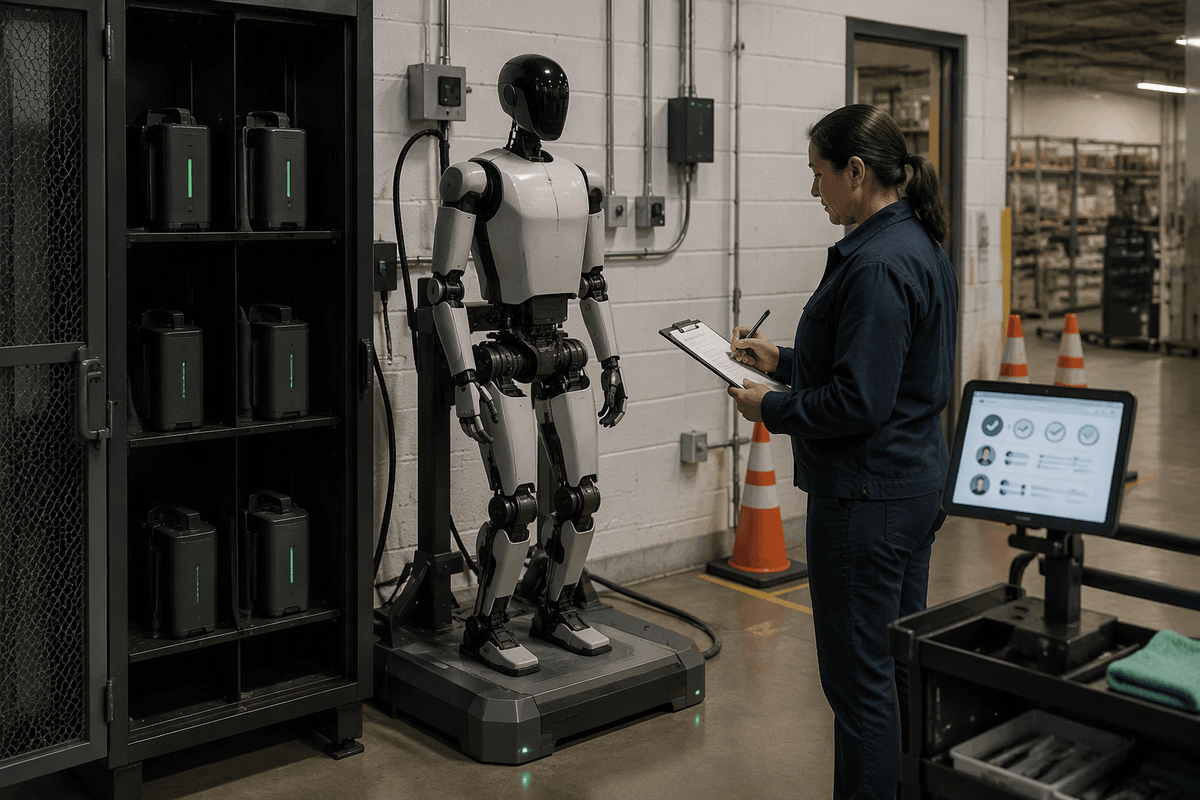
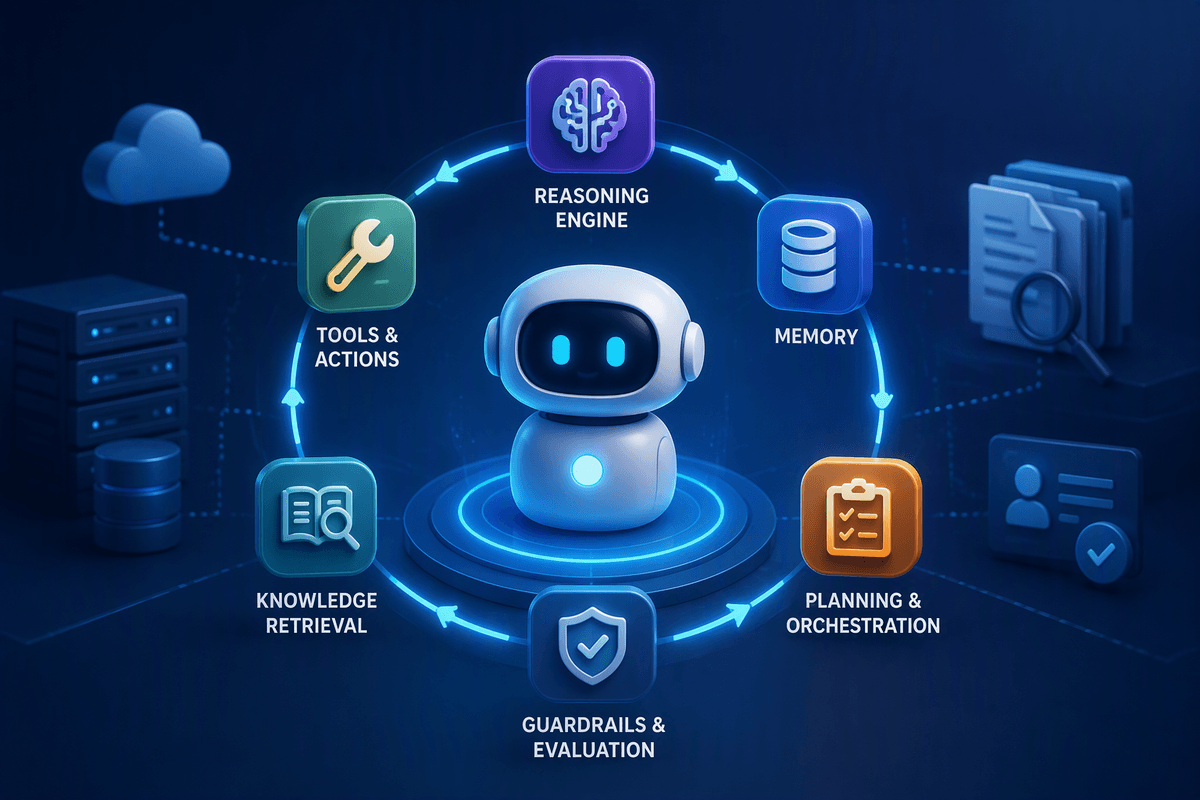
A manager usually first notices the gaps in the “robot stack” when the robot tries to do something simple, like a stock run, and the store’s data doesn’t match the floor. To move reliably, humanoids need clean product-location mapping, back-room organization that keeps expected totes and cases in consistent spots, and a way to translate a task (like “bring 12-pack cola to aisle 6”) into an exact pickup point and drop zone. They also need connectivity that doesn’t die in the freezer corner, plus rules for where they can wait without blocking traffic.
Then there’s the unglamorous ops layer: charging and battery swaps, daily pre-checks, incident logs, and a clear “robot captain” role when it gets stuck. Many vendors assume some level of remote monitoring, which creates privacy questions, escalation paths, and a real dependence on network uptime. If a robot is down for two hours, someone still has to do the work—and now they also have to babysit the exception.
Advertisement
Real costs: ROI depends on uptime, supervision, shrink
The spreadsheet version of ROI assumes the robot works most of the shift. The store version is messier: if uptime slips from “nearly always available” to “frequent pauses, resets, and stuck events,” the payback can evaporate because you still schedule people to cover the same routines. A helpful way to price it is by completed tasks per hour, not hours powered on. If a robot finishes four stock runs in a shift and needs an associate for ten minutes each time, that’s different from finishing ten runs with one quick check-in.
Supervision is the hidden labor line. Someone has to assign work, clear blocked paths, confirm handoffs, and step in when the robot can’t decide. That role often lands on your most capable floor lead, which has an opportunity cost during rushes. Shrink is the other swing factor: a robot moving product can create blind spots, leave items staged unattended, or trigger false alarms if it crosses security zones. If you need extra camera coverage, tighter receiving controls, or more locking fixtures, those costs belong in the ROI too.
What it means for retail jobs and store culture
On a normal shift, the first change isn’t headcount—it’s who gets interrupted. When a robot becomes the default “runner” or shelf-scanner, supervisors start routing exceptions to people: wrong locations, blocked aisles, heavy cases, customer questions. That pushes the remaining human work toward judgment and service, but it also concentrates stress on your strongest associates, because they’re the ones trusted to resolve problems quickly. If you don’t redesign the workload, you can end up with fewer “easy” tasks to give new hires and more complex work for everyone else.
Store culture shifts around accountability. Robots make task completion easier to measure, which can tighten standards but also trigger resentment if the data is treated as indisputable. The practical fix is to formalize roles: a trained “robot captain” with time budgeted for checks, recovery, and safety escorting during peak traffic. That role is real labor, and it needs backup coverage on days the captain calls out—otherwise the robot becomes one more thing that fails only when the store is already busy.
How to run a pilot without getting stuck in demo-land
The fastest way to get stuck in demo-land is to pilot “general capability” instead of a narrow job. Pick one shift, one zone, and 2–3 tasks with clean success criteria: completed stock runs per hour, number of recoveries, and minutes of associate assist per task. Treat every intervention as a design input, not an embarrassment—log why it failed (bad location data, blocked aisle, grip failure) and decide whether the fix is process, store layout, or vendor change.
Put a time cap on the pilot (for example, 6–8 weeks) and require a weekly go/no-go review tied to uptime and safety incidents. Budget real labor for a trained “robot captain,” plus a fallback plan for the work when the robot is down, or you’ll over-credit savings that only exist on quiet days.